




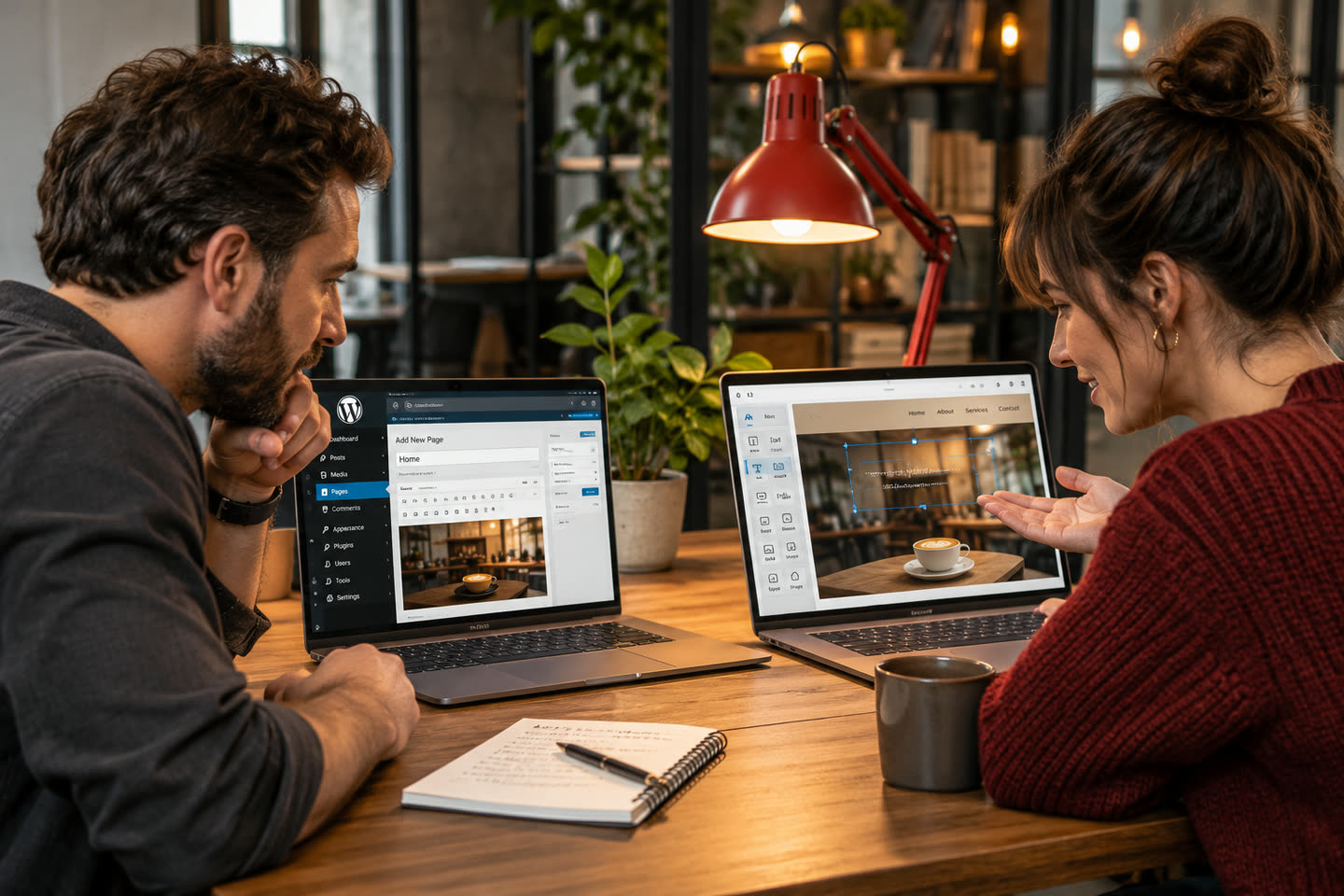
Should you build on Wix/Squarespace or WordPress? Both can produce a decent site. The right choice depends on how much you value control, SEO, and ownership. Here is the honest comparison.
Website builders (Wix, Squarespace)
- Pros: fast to start, cheap monthly, no technical skills needed, hosting included.
- Cons: you are renting the platform, limited SEO and customization, hard to migrate away, costs add up over years.
- Best for: a very simple site where you will do everything yourself and growth is not the goal.
WordPress
- Pros: you own it, nearly unlimited customization, strong SEO foundation, scales from a brochure site to e-commerce and automation.
- Cons: needs proper setup and maintenance — which is where an agency earns its keep.
- Best for: any business that wants to rank, grow, and not hit a ceiling later.
The ownership question
This is the one most people miss. On a builder, your site lives on their platform under their rules. On WordPress, the site is yours — you can move hosts, add anything, and you are never one pricing change away from a rebuild.
Our take
For a hobby or a placeholder, a builder is fine. For a business that wants to be found and to grow, WordPress wins on SEO, flexibility, and ownership — which is why we build on it. If you are weighing a rebuild, our guide on signs you need a redesign is a good next read.
Not sure which fits where you are headed? Book a free consultation and we will walk your site with you.
Compare the real work of running each option
Build a short list of the tasks you will do after launch. Adding a new service, changing business hours, connecting a form to your CRM, and exporting your content are useful examples. Check which tasks you can handle yourself and where you would need a developer or a paid add-on. Ask who will own the domain, renew the hosting, and handle updates. Use the same list for both options, so you can compare the day-to-day work and ongoing costs as well as the launch quote.